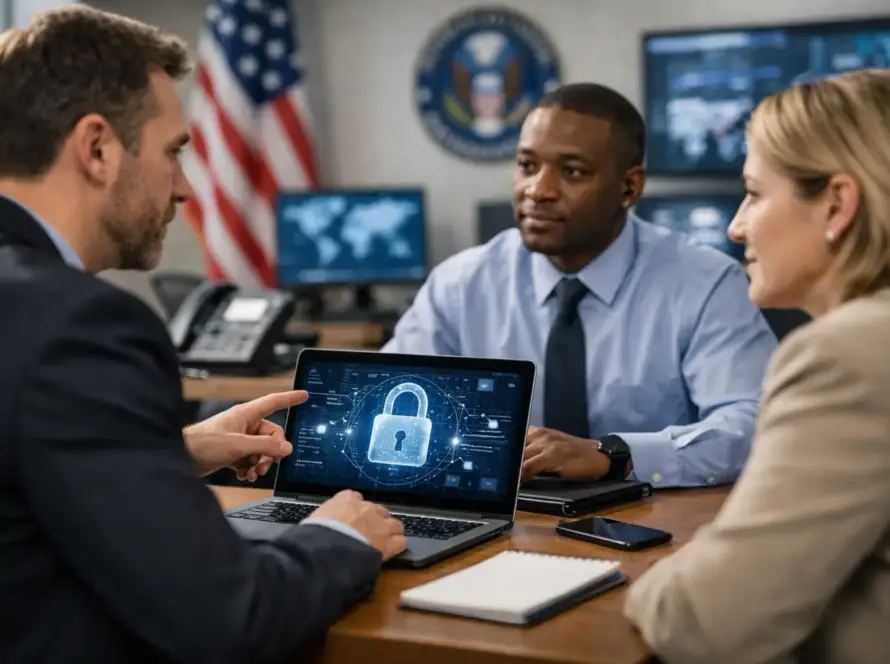
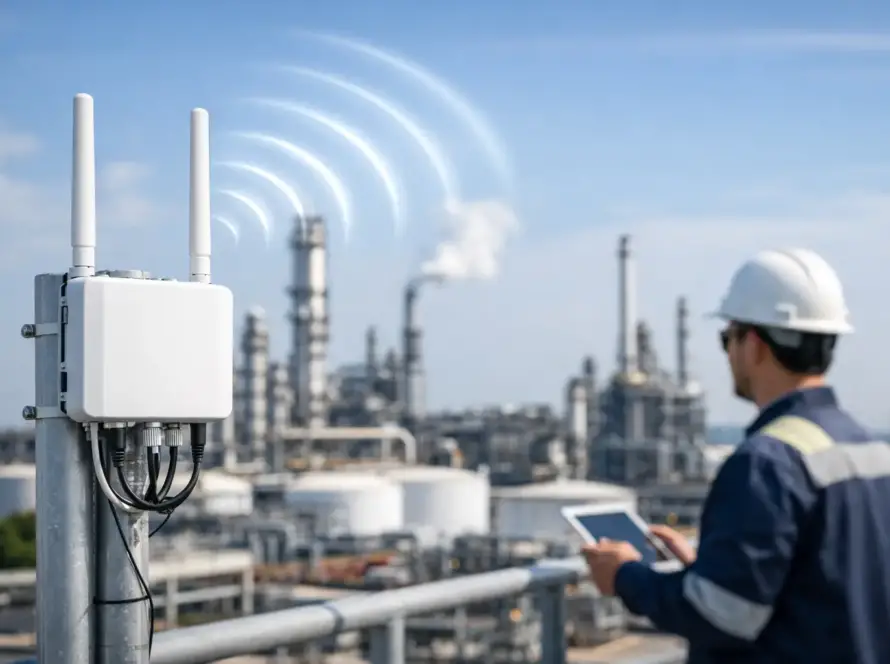
A power interruption, damaged fiber run, or tropical weather event can create enough pressure on an operation. A cyber incident layered on top can disrupt dispatch, remote access, business systems, and the communications people depend on to coordinate a response. This critical infrastructure cybersecurity guide is built for organizations that need to keep essential services operating when conditions are not ideal.
For infrastructure managers, public-sector teams, maritime operators, utilities, property operators, and distributed field organizations, cybersecurity is not only an IT responsibility. It is an operational continuity requirement. The objective is straightforward: protect the systems that support people, assets, communications, and decisions without making day-to-day work unnecessarily difficult.
What Counts as Critical Infrastructure?
Critical infrastructure includes the systems and services whose disruption creates a meaningful safety, economic, operational, or public-service impact. Depending on the organization, that can include communications networks, dispatch platforms, Wi-Fi and wired networks, access-control systems, cameras, fuel systems, water and power controls, cloud services, remote monitoring, and the devices used by field personnel.
The definition is practical, not theoretical. If a system going offline would prevent your team from coordinating work, serving customers, protecting people, or restoring service, it deserves critical-infrastructure treatment.
In the U.S. Virgin Islands, this scope often extends beyond a central office. Facilities, vessels, worksites, remote equipment, and personnel may be distributed across Saint Thomas, Saint John, and Saint Croix. Connectivity can depend on carrier services, microwave links, satellite systems, local wireless networks, and radio communications. That distribution creates redundancy opportunities, but it also creates more places where access, configuration, and accountability can fail.
Start With Operational Consequences, Not Security Tools
Buying security products before identifying operational dependencies is a common mistake. A firewall, endpoint platform, or monitoring service can be valuable, but none of them answers the most important question: what must continue working during an incident?
Begin by identifying the services that cannot be down for long. This may include radio dispatch, Push-to-Talk over Cellular accounts, network equipment at a remote site, vessel communications, file access for operations, payment systems, or a cloud platform that supports scheduling and work orders. For each service, document who owns it, what systems it depends on, how long it can be unavailable, and how the team will operate if it fails.
This exercise exposes hidden dependencies. A dispatch console may rely on internet access, power conditioning, user credentials, a managed switch, a cellular backup path, and vendor support. Protecting only the console misses the larger system.
Build an Asset Inventory That Operations Can Use
An asset inventory should not be a forgotten spreadsheet maintained only for audits. It should give leadership and technical teams a clear picture of what is connected, where it is located, who manages it, and why it matters.
Include network appliances, servers, laptops, mobile devices, radios with management capabilities, cameras, access-control controllers, wireless access points, cloud accounts, remote monitoring devices, and third-party connections. Record software versions, warranty or support status, administrative ownership, and whether the device can be reached remotely.
Prioritize unknown devices and unsupported equipment. An older device is not automatically unsafe, particularly when replacement parts or specialized systems are involved. The trade-off is that unsupported equipment needs stronger compensating controls, such as segmentation, restricted access, monitoring, and a documented replacement plan.
Segment Networks to Contain Problems
Many incidents become costly because an initial compromise moves freely across the network. A phishing email that affects an office computer should not provide a path to a dispatch system, network controller, camera platform, or industrial device.
Network segmentation limits that movement. Separate business users, guest Wi-Fi, operational technology, communications management systems, cameras, and administrative tools into appropriate network zones. Then apply rules that permit only the traffic each zone actually requires.
Segmentation does add planning and management work. Some legacy devices require broad access, and poorly designed rules can interrupt legitimate operations. That is why changes should be tested, documented, and implemented in phases. The goal is not maximum complexity. It is controlled communication between systems.
For remote sites, use encrypted connections and avoid exposing management interfaces directly to the public internet. Remote administration should pass through approved access methods with named user accounts and strong authentication. Shared credentials may feel convenient during a busy service call, but they eliminate accountability and make access removal difficult when staff roles change.
Protect Identity Before It Becomes the Entry Point
Stolen credentials remain one of the simplest ways into an organization. Attackers do not always need to defeat advanced defenses if they can persuade a user to enter a password on a convincing fake sign-in page.
Multi-factor authentication should be required for email, cloud platforms, remote access, administrative accounts, and any system that can affect operations. Prefer phishing-resistant methods where practical. Authentication apps and hardware security keys generally offer better protection than text-message codes, though the right choice depends on workforce needs and device availability.
Access should also follow the principle of least privilege. A dispatcher, technician, manager, and outside vendor do not need the same level of system control. Give users the access needed for their role, review it regularly, and remove it promptly when employment, contracts, or responsibilities change.
Administrative accounts deserve special attention. Use separate accounts for routine work and administration, avoid shared administrator credentials, and maintain an emergency access process that is protected, logged, and periodically tested.
Treat Communications Systems as Connected Systems
Two-way radio and communications platforms are essential operational tools, but modern systems may also include IP networking, device management, cloud services, subscriber accounts, mobile applications, gateways, and dispatch software. Their cybersecurity needs should match their role in the wider environment.
Protect radio management systems with controlled administrator access, current software, configuration backups, and secure network placement. Maintain accurate records of authorized devices, talk groups, account assignments, and programming changes. When a device is lost, reassigned, or retired, make sure access and credentials are addressed as part of the same workflow.
Availability matters as much as confidentiality. A highly restricted system that cannot be supported during an outage may create an operational problem of its own. Design for authorized access during urgent conditions, with documented procedures and oversight rather than informal workarounds.
Prepare for Ransomware and Service Disruption
A ransomware event can affect more than files. It can lock up scheduling, payroll, dispatch support, inventory, email, shared drives, and administrative systems needed to restore a field operation. A response plan should focus on restoring essential functions in the right order.
Maintain backups that are protected from routine network access and test whether they can actually restore critical systems. A backup that has never been tested is an assumption, not a recovery capability. Define recovery priorities in advance: communications and safety functions may need to return before less urgent business applications.
Your incident plan should identify decision-makers, technical contacts, outside support resources, internal communication methods, and alternate ways to coordinate if primary systems are unavailable. Keep a current copy accessible offline. During an incident, teams should not have to search a disconnected shared drive for the phone numbers and procedures they need.
Practice the First Hour
The first hour after suspected compromise is often decisive. Staff should know how to report unusual activity, such as unexpected password prompts, unfamiliar remote-control tools, missing files, abnormal device behavior, or a vendor request to change banking details.
Technical personnel need authority to isolate affected systems when necessary, while leadership needs a clear path for business decisions and communications. Practice a short scenario at least annually. The exercise does not need to be elaborate. Walk through who identifies the event, who confirms it, what gets isolated, how operations continue, and who receives updates.
Manage Vendors and Remote Support Carefully
Critical infrastructure rarely operates alone. Managed service providers, software vendors, communications specialists, installers, cloud platforms, carriers, and equipment manufacturers may all have a role in supporting the environment.
Vendor access should be specific, time-bound where possible, and traceable to a named individual or support request. Ask how providers protect their own systems, how they notify customers of incidents, and what access they retain after deployment. These questions are especially relevant for remote support because a trusted vendor connection can become a high-value path into your network.
Maintain configuration documentation and administrative control internally, even when outside specialists perform the work. A dependable partner should strengthen your operational visibility, not leave you dependent on undocumented settings or inaccessible accounts.
Make Cybersecurity Part of Maintenance
The best cybersecurity programs are built into routine maintenance rather than treated as a once-a-year project. Review updates, expiring support contracts, access changes, backup results, device inventories, and unusual security alerts on a scheduled basis. Tie these checks to the maintenance calendar already used for communications and network infrastructure.
Cwave Communications approaches cybersecurity as part of mission-ready communications planning: understanding the system, securing the dependencies around it, and supporting the people who must use it under real operating conditions.
The next useful step is not to chase every possible threat. Identify one critical service, map its dependencies, verify who can access it, and test how your team would keep working if it went down. That practical discipline is where operational resilience starts.