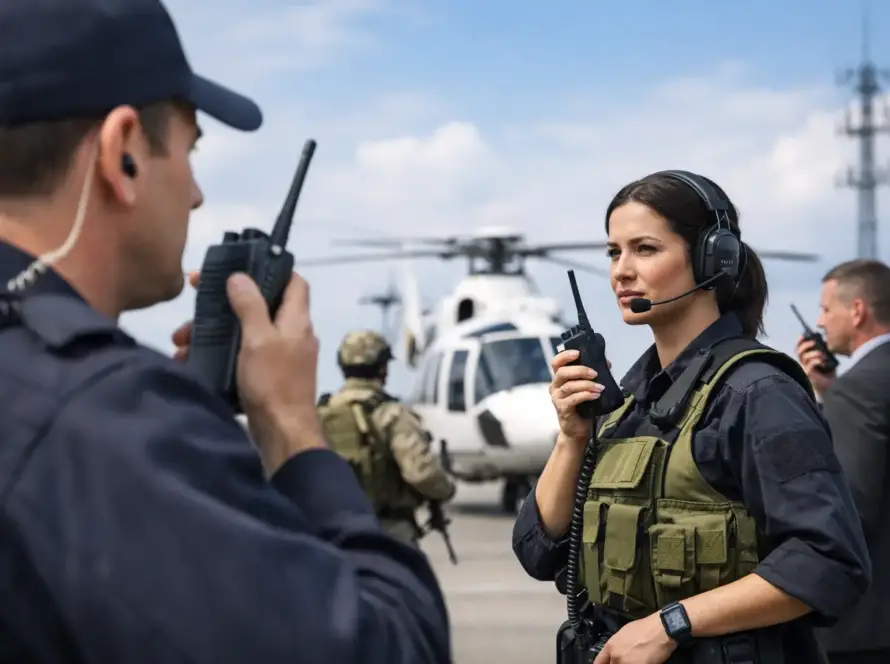
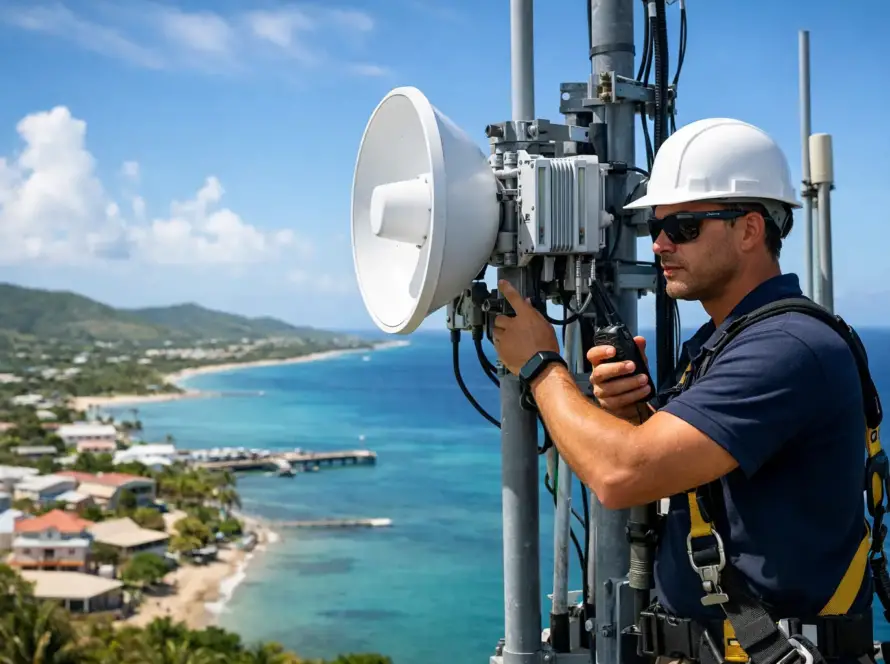
A radio system can sound clear in a parking lot and still fail where your team actually works: behind reinforced concrete, on a vessel, across a hillside, or between islands. This business radio communication checklist helps operations leaders evaluate the full system, not just the handheld radios, before a coverage gap becomes a safety, service, or productivity issue.
For businesses in the U.S. Virgin Islands, communications planning must account for terrain, weather exposure, building construction, marine conditions, and the distance between crews. The right solution may be conventional analog radio, digital mobile radio (DMR), Push-to-Talk over Cellular (PoC), or a combination of technologies. The best choice depends on how, where, and how critically your people need to communicate.
Start With the Operational Requirement
Before selecting devices or requesting a quote, define what communication must accomplish during a normal shift and during an exception. A hotel engineering team may need instant coordination across a large property. A marine operator may need reliable vessel-to-shore contact. A utility contractor may need crews, dispatch, and supervisors to communicate across separated work zones.
Document the number of users, their roles, their locations, and whether all users need to hear the same traffic. Also identify peak periods. A system sized for ten radios may become congested when twenty people need to coordinate an incident, a delivery window, or a weather response.
Clarify the consequences of a missed call. If a delayed response only affects convenience, a basic configuration may be sufficient. If it affects personnel safety, customer access, vessel operations, security, or critical infrastructure, the system needs deliberate redundancy, priority rules, and ongoing support.
Business Radio Communication Checklist: Coverage First
Coverage is the foundation of radio performance. A radio with the right features is of little value if users cannot reach each other from a loading area, mechanical room, remote work site, parking garage, or offshore route.
Map the places that matter
Identify all required communication areas, including indoor and outdoor spaces, routes between facilities, docks, vessels, elevated terrain, and temporary work locations. Do not rely only on a street address or a general radius. Signal behavior changes quickly around hills, dense vegetation, concrete, steel, and waterfront structures.
For multi-island operations, define whether users need local site coverage, inter-island communications, or both. A system that performs well on Saint Thomas may not provide the same result on Saint John or Saint Croix without appropriate network design.
Test real-world conditions
A coverage assessment should reflect actual work conditions. Test radios where crews stand, not just at an open doorway. Check basements, stairwells, service corridors, docks, vehicle interiors, and areas near heavy equipment. If workers operate in rain, salt air, or high noise, test under those conditions as well.
PoC can provide wide-area communications where cellular data is available, while DMR can deliver dedicated local radio coverage and direct radio-to-radio capability. Neither approach is automatically better. The operational requirement, coverage environment, and resilience plan should drive the decision.
Select the Right Radio and Accessories
Handheld radios are field tools. They must be selected for the work, not for a product sheet.
Consider the physical environment first. Teams working outdoors, near water, or around dust and vibration may require higher ingress protection and more durable housings. Personnel in loud locations may need remote speaker microphones, noise-reducing audio accessories, or headsets that allow clear communication without removing hearing protection.
Battery planning deserves equal attention. Determine the length of a standard shift, the availability of charging points, and whether spare batteries are practical. A radio that lasts eight hours may be adequate for one operation but insufficient for a twelve-hour port, facilities, or emergency response shift. Multi-unit chargers, vehicle chargers, and controlled spare-battery inventory prevent avoidable downtime.
Also decide which features users genuinely need. GPS location, emergency buttons, man-down alerts, text messaging, recording, and dispatch integration can improve accountability and response. But each feature requires configuration, policy, and training. Adding functions that no one understands can slow adoption rather than improve operations.
Build the System Around Reliability
A dependable radio program includes more than portable devices. It includes repeaters or network connectivity where needed, antennas, power protection, charging infrastructure, programming standards, and a plan for service interruption.
Ask where each critical component will be located and how it will be powered. Sites exposed to power instability or severe weather may need battery backup, surge protection, generator integration, or alternate communication paths. For networked PoC systems, assess cellular coverage, Wi-Fi availability, device management, and what users should do if data service is interrupted.
Channel design is another operational decision. Too few channels can create congestion. Too many can confuse users and make it harder to find the right team during a busy period. Organize channels around actual workflows, such as operations, maintenance, security, dispatch, or incident coordination. Reserve emergency use channels only when staff understand when and how to use them.
Set Clear Communication Procedures
Technology performs best when teams use consistent procedures. Establish call signs, channel assignments, escalation paths, and emergency language before radios are distributed.
Keep radio traffic concise. Users should identify who they are calling, state the message plainly, and wait for acknowledgment when the message affects safety or service. Supervisors should know when to move extended coordination to another channel so the main operational channel remains available.
Define who can initiate emergency alerts, who receives them, and what action follows. An emergency button without a documented response procedure creates a false sense of readiness. Test the process with dispatchers, managers, and field users, including after-hours personnel.
Train for Daily Use and Exceptions
Radio training does not need to be lengthy, but it must be practical. Every user should be able to turn the radio on, select the correct channel, adjust volume, transmit clearly, recognize low-battery warnings, and use the assigned accessories.
Training should also cover the moments that create pressure: a lost radio, a failed charger, an emergency call, an unclear message, or an employee working outside normal coverage. New hires need the same instruction as experienced staff, and periodic refreshers help prevent informal habits from becoming operational weaknesses.
For organizations using PoC, include device login, cellular status, Wi-Fi behavior, and basic troubleshooting. For DMR and analog users, cover channel selection, repeater coverage expectations, and direct mode if it is part of the operating plan.
Protect Devices, Users, and Information
Radio communications may involve customer details, work orders, personnel locations, or operational information. Establish rules for what should and should not be spoken over the air. If privacy or controlled access is required, assess encryption, user authentication, and radio programming controls as part of the system design.
Inventory management matters as well. Assign radios by user, department, vehicle, or shift. Record serial numbers, battery condition, accessory issues, and repair history. This makes it easier to identify recurring failures and locate equipment when a device is lost.
For connected devices, use defined administrative ownership. Someone should be responsible for adding users, removing former employees, applying approved configurations, and maintaining account access. Communications systems are part of the organization’s operational technology and should receive the same discipline as other business-critical assets.
Plan Maintenance Before Something Breaks
A radio fleet rarely fails all at once. Performance usually declines through worn batteries, damaged antennas, loose accessories, neglected chargers, outdated programming, or a coverage issue that was never properly documented.
Set a simple maintenance schedule. Inspect radios and accessories, clean charging contacts, review battery health, confirm emergency functions, and test critical coverage areas. Keep a process for repairs so staff do not rely on damaged equipment while waiting for a decision.
Lifecycle planning is equally useful. Know the expected service life of radios, batteries, repeaters, and network components. Budgeting for replacement before end-of-life protects the operation from rushed purchases and incompatible equipment.
Cwave Communications, an authorized Hytera Dealer, can help organizations align equipment, coverage design, programming, repair, and lifecycle support with the conditions their teams face across the territory.
Review the Checklist After Deployment
Deployment is the beginning of the operating cycle, not the finish line. Ask users where audio is unclear, where batteries fall short, which channels are crowded, and whether procedures work during peak activity. A complaint from a field employee may reveal a simple programming issue, an accessory problem, or a coverage gap that deserves a site assessment.
Keep the checklist active as facilities expand, vessels change routes, teams add shifts, or operations move between islands. The most useful radio system is the one your people can trust without having to think twice when the work becomes demanding.